Start with a home you can change
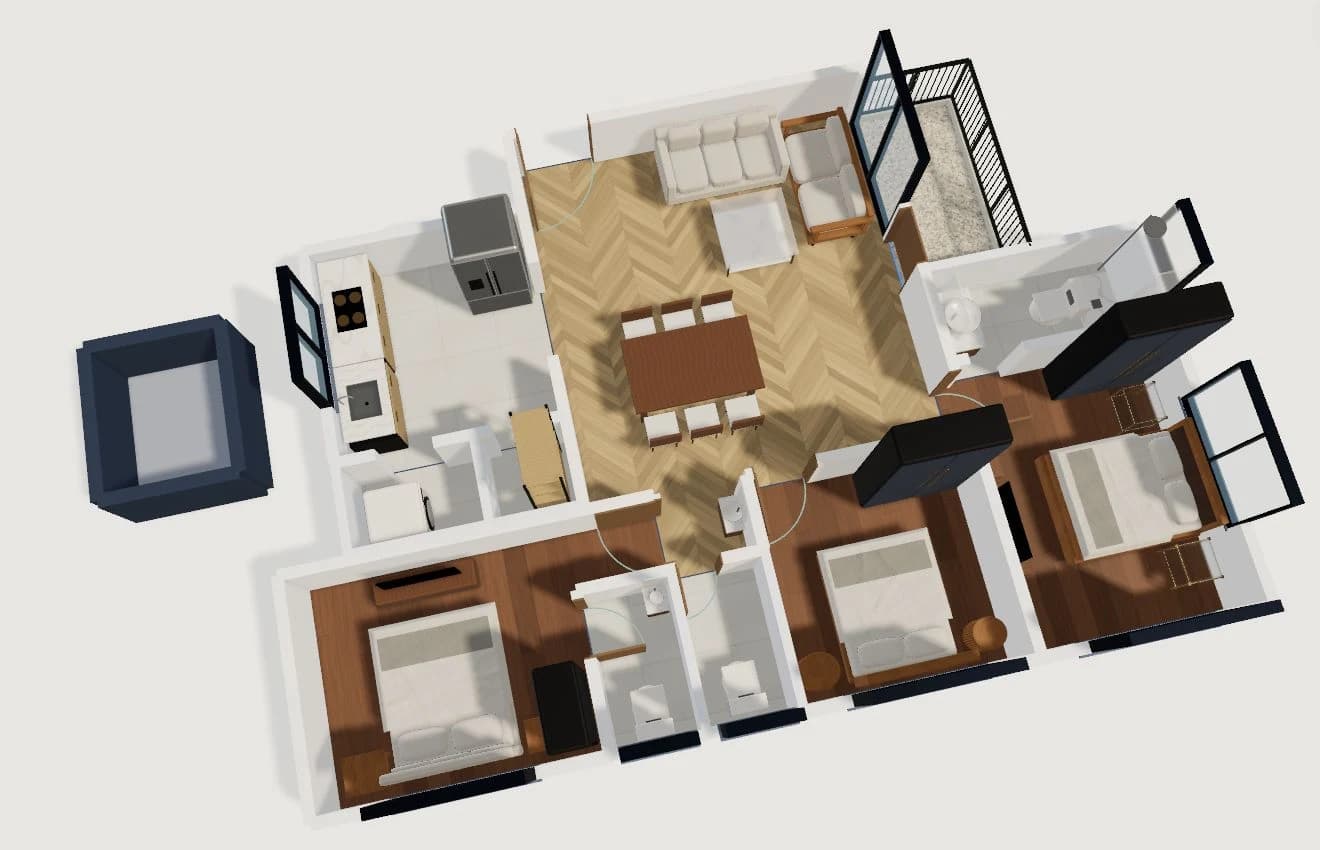
Open the furnished three-bedroom sample to explore a complete arrangement, or begin a blank project for your own measured rooms. The sample gives you a living/dining space, kitchen, bedrooms and connected service spaces to work with.
Move furniture, change room dimensions and try finishes. Keep the plan view close while checking measurements, then use orbit view to see the whole arrangement.
Use a different view for each decision
A single view cannot answer every design question. Switch views as you work rather than rebuilding a separate presentation.
- Plan view: inspect positions, room dimensions and openings.
- 3D orbit: compare furniture, materials and the relationship between rooms.
- Walk view: explore the arrangement from inside the home.
Keep a copy of your work
Projects keep a browser copy and can sync with your account when account saving is available. Check the project library save status before switching devices. Export a project backup before clearing browser data; a browser-only copy stays on that device.
HouseSpace is an early planning tool. Verify your real measurements and get appropriate professional review before construction. General automatic conversion of arbitrary uploaded floor plans is not currently available.
Questions before you start
- Can I try the house planner for free?
- Yes. The current planning preview is free without a card. Sign in to open the studio and furnished sample. Photo Design has separate configuration and generation limits.
- Do I need to install CAD software?
- No. The planner runs in your browser. Interactive 3D requires JavaScript and WebGL support; a larger screen is useful for detailed editing.
- Can I use my own measurements?
- Yes. Start a blank project and create measured rooms, or edit the sample. The studio uses feet for its architectural dimensions.