AI room designer for concepts from your room photo
Upload a room photo, choose an interior style and describe what should change. Compare the resulting concept with your original, then use a measured layout to check the furniture sizes and positions.
Sign in to use Photo Design. Preparing a brief is free; generating a concept uses paid OpenAI API credits.
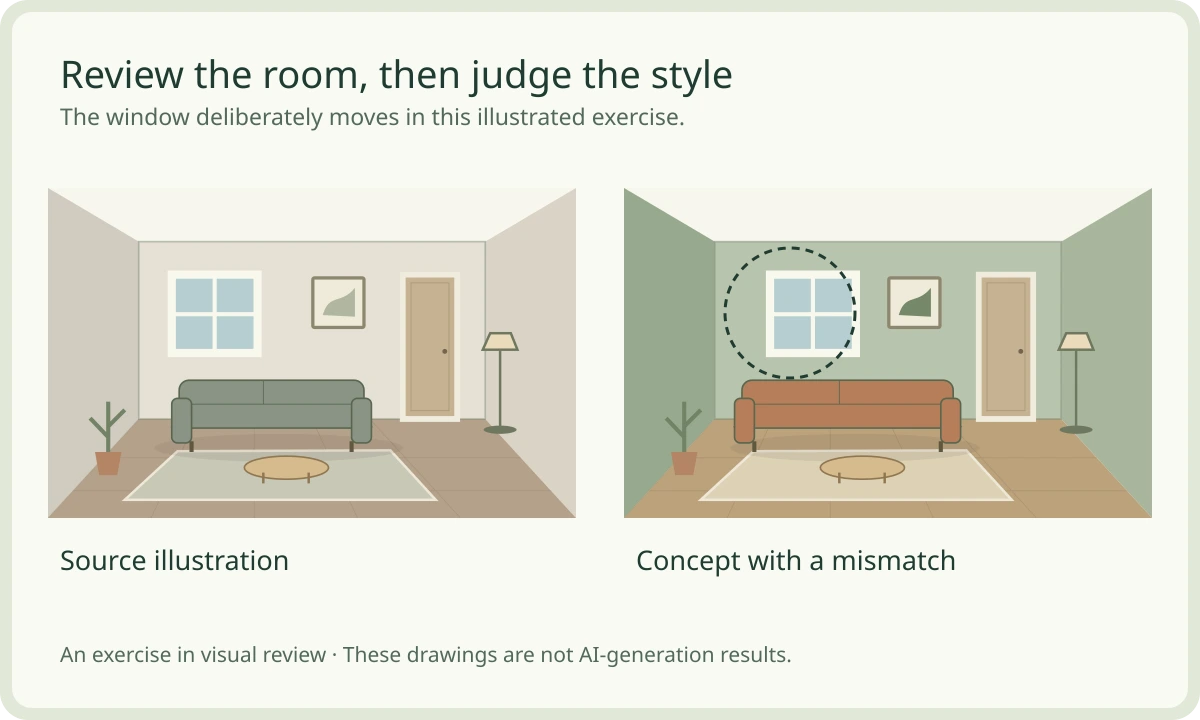
Illustrated concept comparison. Review windows, openings, and proportions before using a generated design.
Redesign a room photo with a clear brief
State what must stay in the room and which furniture, colors or materials you want to explore.
Sign in to Photo Design and upload a clear still image of your room.
Choose a room type and style, then describe the changes you want while noting fixed features.
Confirm API usage before generating one concept, or import a concept for comparison.
Explore a style while keeping the original in view
Try a warm contemporary, minimalist, Japandi, Scandinavian, industrial or Indian contemporary direction. Ask to preserve the camera perspective and fixed openings. Compare the output against the source because generated details can change despite the brief.
Turn a preferred concept into a furniture decision
A generated sofa or cabinet is an appearance idea, not a product specification. Record your real room and furniture dimensions in a separate measured plan before buying pieces or changing the layout.
Photo inputs, concept images and generation costs
| Workflow | What you can use |
|---|---|
| Source image | A still JPEG, PNG or WebP room photo; the upload is validated before use. |
| Design brief | Room type, a supported interior style and your written preferences. |
| Result | A saved concept image for comparison with the source; it does not establish room measurements. |
| Generation cost | OpenAI image generation must be configured and uses separately billed API credits. |
Questions before you start
- What can I upload to the AI room designer?
- Upload a still JPEG, PNG or WebP photo. This workflow uses room photos; it does not convert a floor plan into an editable 3D model.
- Does generating a room concept cost money?
- Yes. Generation sends the room photo to OpenAI and uses paid API credits on the configured account. The interface asks for cost consent. Saving photos, preparing briefs and importing concepts do not call OpenAI.
- Will the generated image preserve every window and room measurement?
- The brief asks to retain the perspective, envelope and openings, but generated details can differ. Compare with the source photo and verify measurements separately.
- What should I do if generation is interrupted?
- Use Recheck generation for an unknown outcome. It checks the existing request instead of submitting another one. A new variation is a separate request that requires fresh cost consent.
Keep shaping your space.
Choose the next tool for your project.